SendPin

Send a location pin from Apple Maps to Karoo 2.

1
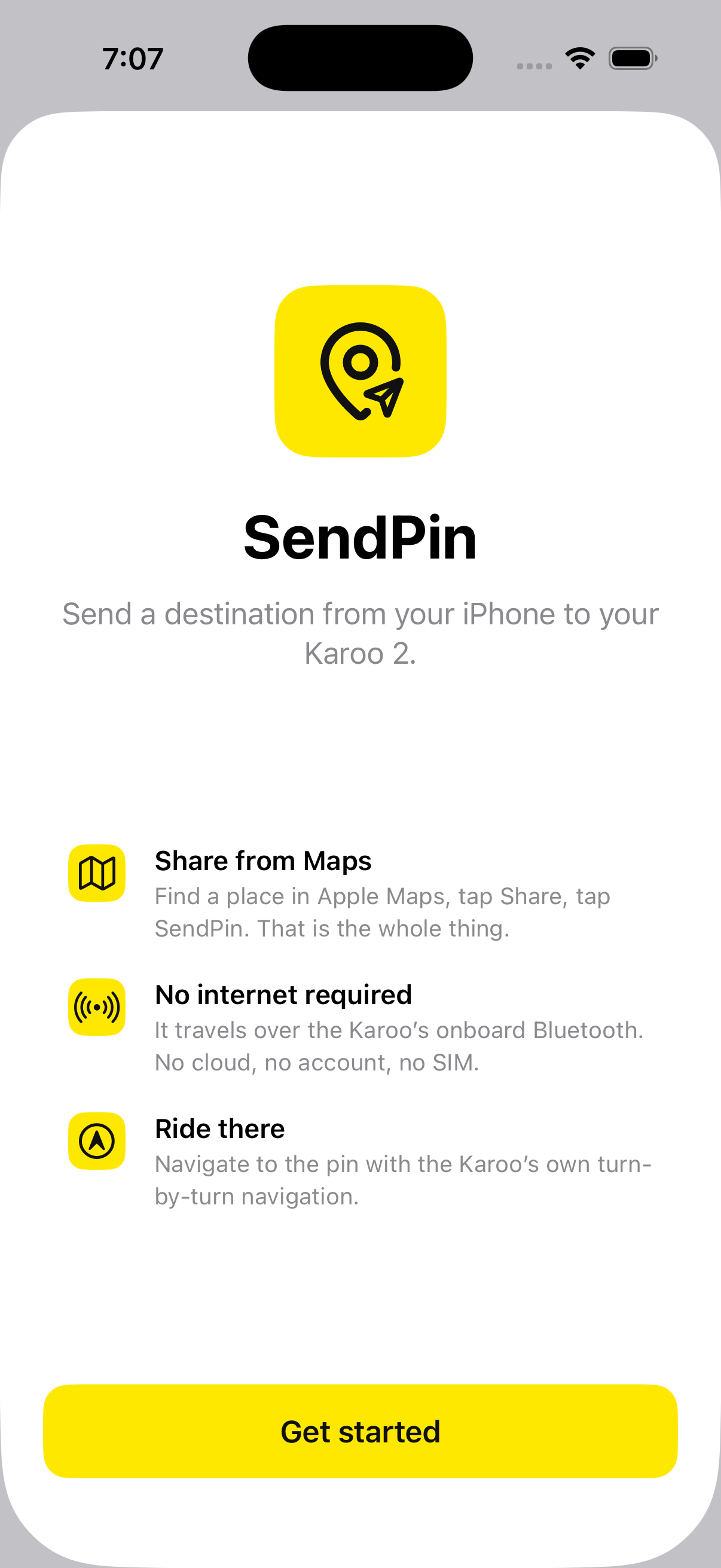
The SendPin app on an iPhone
2
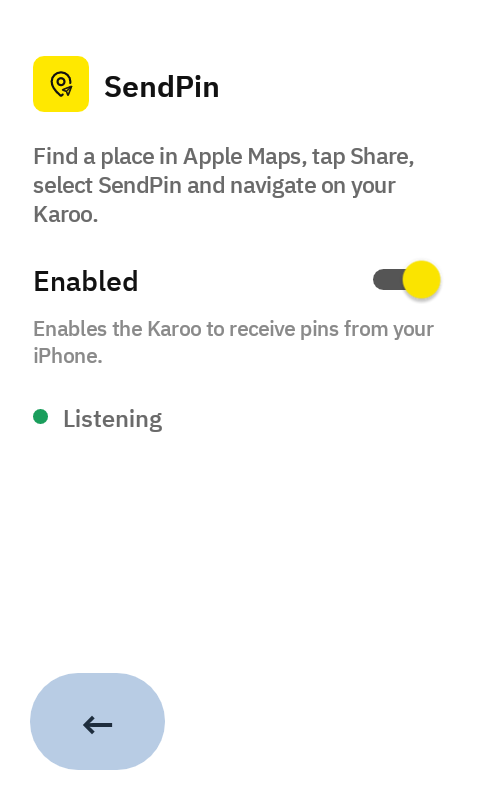
SendPin running on a Karoo 2
3
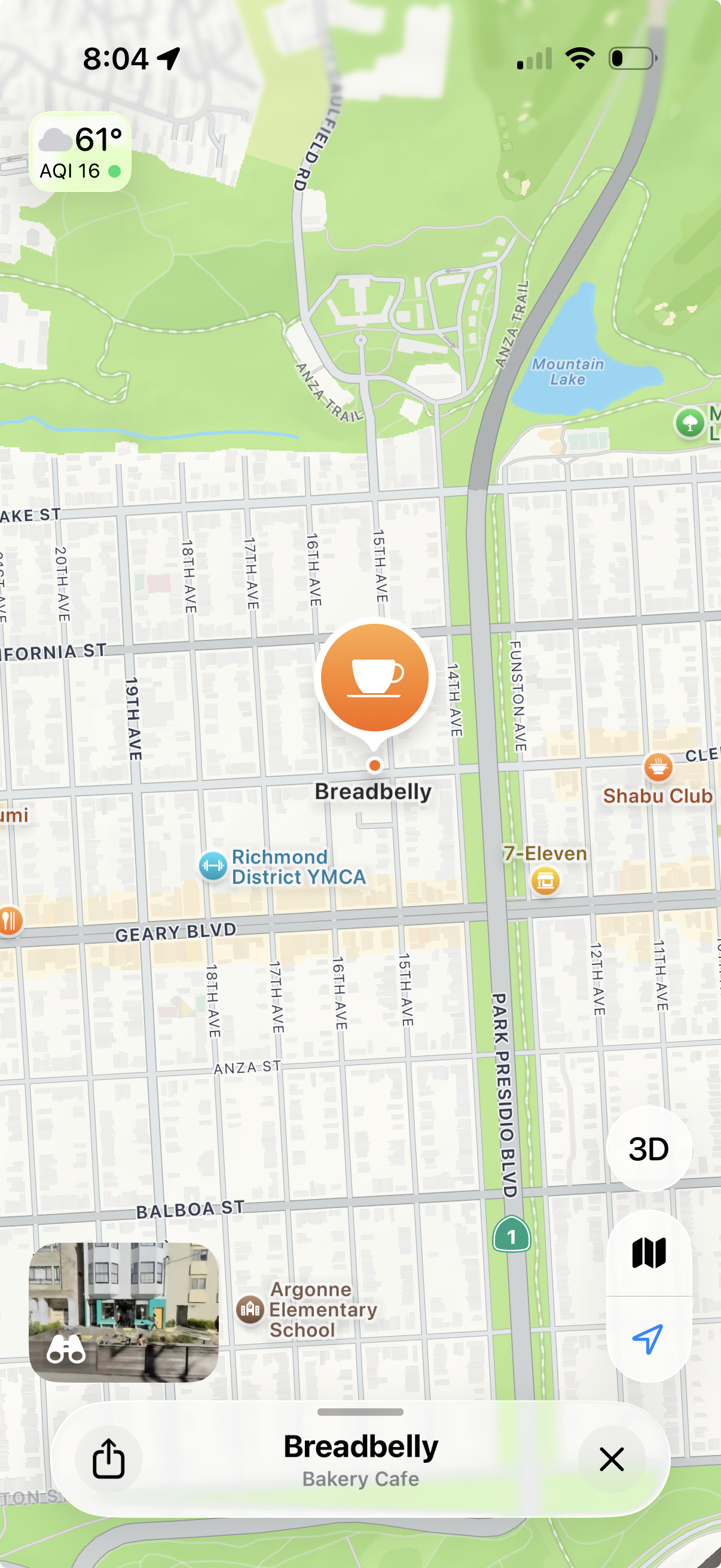
A place open in Apple Maps
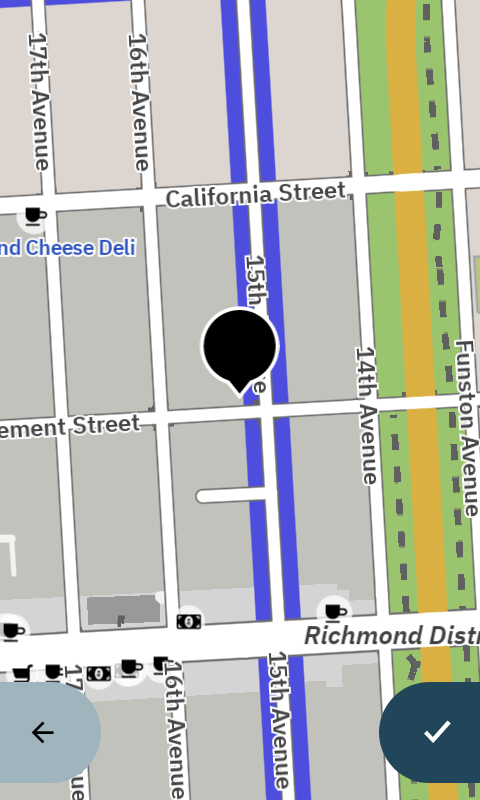
The same place as a pin on the Karoo
Leave a note ↗

The story behind SendPin
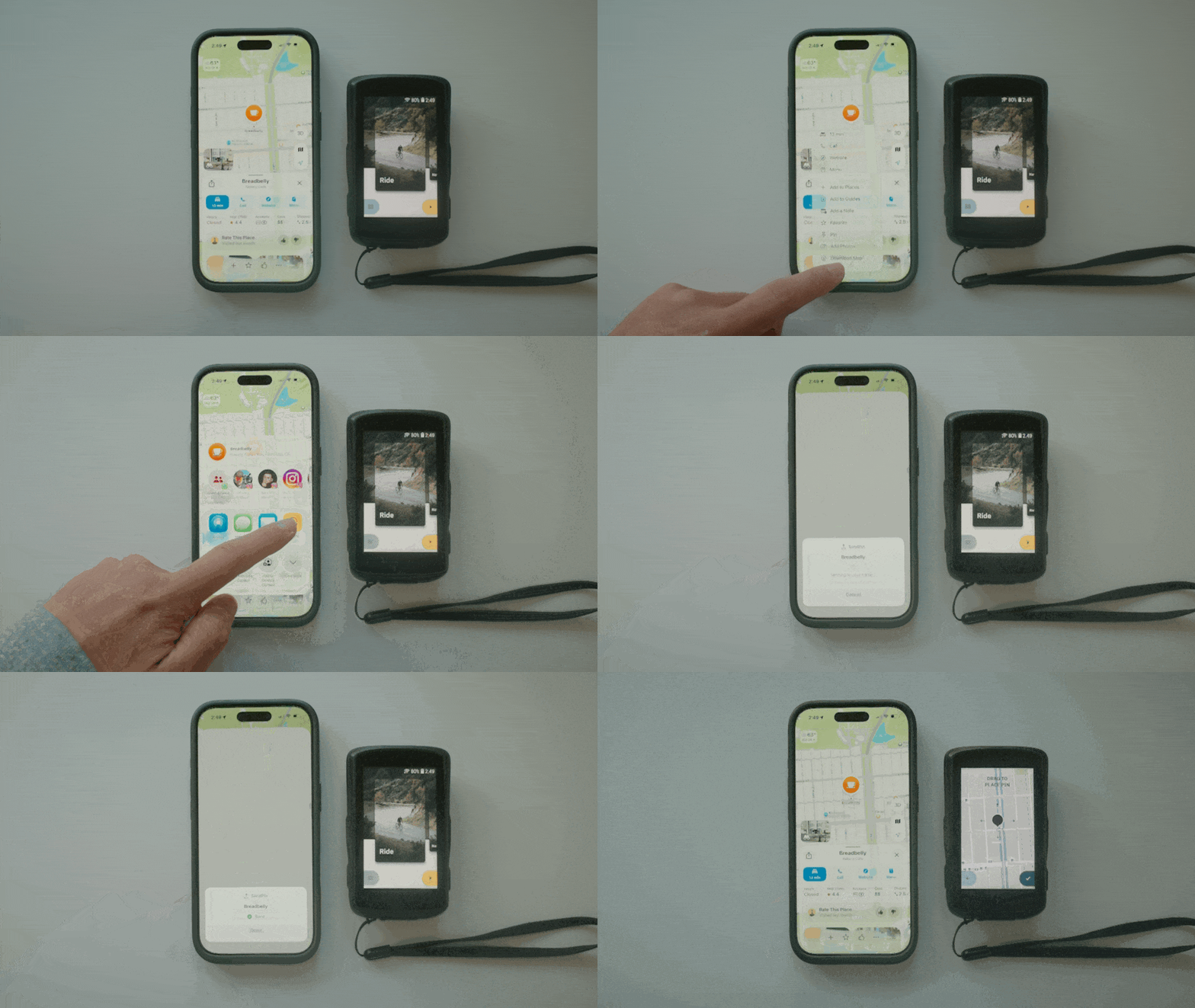
A place open in Apple Maps on a phone, next to a Karoo 2

Often when I go on a ride, especially somewhere I don't know well, I look up a café or somewhere to eat on my phone. Even when I have a set route, I usually don't have that destination picked in advance; I just find a spot as I'm rolling through a town.

Which leaves me riding one-handed with my phone out, or trying to memorise the route and inevitably pulling my phone back out to check.

Meanwhile I have a bike computer I specifically bought for navigation. It's great, but its search experience will never match what I get on my phone — the keyboard alone.

So what I wanted was simple: look up a place on my phone, send it to my bike computer, and let my bike computer navigate me from there.

Having seen others build out their own Karoo extension, I thought it would be fun to build one myself — one you might find useful too.

Disclosures

And yes, I know this is already a solved problem:

  1. The companion apps on the Hammerhead Karoo 3, Garmin and Wahoo — plenty of people have pointed this out. Just not on the Karoo 2.
  2. The Waypoints extension, by Vadim Sinitskiy, on awesome-karoo — but I don't want to pay for a SIM card, and I find the search on my phone via Apple Maps hard to beat: a real keyboard, reading reviews, or opening a place a friend sent me.

Lastly, I should caveat all of this: I'm not a software engineer. I relied heavily on AI tools like Claude, and focused more on the features and experience I wanted than on how to build them. I simply wanted to solve a problem I had. If you have ideas or feedback, I'd love to hear them — leave a note ↗.

Get the iPhone app

On the App Store — requires iOS 17 or later.

QR code to the SendPin App Store page
Scan to open on your phone
The SendPin app on an iPhone
  1. Download SendPin from the App Store
  2. Open the app and tap Allow when it asks to find nearby Bluetooth devices
Troubleshooting
SendPin isn't in my share sheet, or I can't find it
A newly installed app often isn't in that first row. Tap More at the end of the share list to find SendPin. To keep it in the first row, tap Edit in the top right and hit + next to SendPin to add it to favorite apps.

Submit an issue ↗

Install Karoo Extension

  1. 1USB debugging
  2. 2Connect
  3. 3Install
  4. 4Permission
Karoo screens: Settings, About, tapping the build number seven times, then Developer options with USB debugging switched on
  1. Settings → About, tap the build number seven times
  2. Back, then Developer optionsUSB debugging
Troubleshooting
The Karoo never showed the debugging prompt
Its screen must be awake. If you've connected from this computer before, the prompt is skipped on purpose — the key was saved the first time.
Nothing appears in the device picker
USB debugging isn't on, or the cable is power-only. Plenty of USB-C cables carry no data at all; try another.
Install failed with a signature error
An older SendPin signed with a different key is installed. Uninstall it on the Karoo first, then install again.
The device is being used by another program
Something else has claimed it. Close any other tab of this page — reloading isn't enough, the tab keeps its claim — quit Android File Transfer, run adb kill-server if you use adb, then unplug and replug.

Submit an issue ↗

Send Your First Pin

On the phone

  1. Find a place in Apple Maps
  2. Share → Select SendPin app

    Optional — Add SendPin to favorite apps: tap More in the share list, Edit in the top right, and + next to SendPin

On the Karoo

  1. The pin opens, usually within 5 seconds
  2. Confirm the pin — needs a GPS signal
  3. Tap Navigate to
  4. Follow the Karoo's turn-by-turn wayfinding

    Optional — turn on rerouting in the Karoo's navigation settings

Troubleshooting
Sending the same place twice does nothing
The Karoo ignores a destination identical to the last one for about ten seconds, so one send can't open the pin screen twice. Wait a moment and let it go through.
The pin appears but the Karoo says GPS is required
You will need a GPS signal to know where you currently are. Typically this is because you are indoors.
The Karoo shows the pin but not the map
You likely haven't downloaded the map region (e.g. California) for that area, and the Karoo caps routes at around 500 miles (800 km).
Nothing happens when I share from Google Maps
Google Maps isn't supported (yet).
The Karoo shows "Sent" but nothing shows up
Open the SendPin extension on the Karoo, tap ⋯ → Forget iPhone, then send the location again. This can happen if you uninstalled the app — reinstalling gives your phone a new ID, and the Karoo is still paired to the old one.

Submit an issue ↗

Troubleshooting

Start with the status line in SendPin on the Karoo — it names most failures outright.

StatusWhat it means
Listening — green dotThe Karoo is fine. Check the phone was showing the SendPin card, unlocked and on screen.
Off — grey dotThe Enabled switch is off. Turn it on.
Location needed — tap to grant — red dotTap it and allow. Android returns no Bluetooth results at all without location permission, so nothing works until you do.
Waiting for Bluetooth — amber dotThe Karoo has taken the radio back, usually for its own sensors. SendPin keeps asking for it and recovers on its own; if it stays this way, restart the Karoo.
Starting… — grey dotNormal for a second or two right after enabling. If it doesn't move past this, restart the Karoo — a fresh install doesn't always start listening until the next boot.

On the iPhone

SendPin isn't in my share sheet, or I can't find it
A newly installed app often isn't in that first row. Tap More at the end of the share list to find SendPin. To keep it in the first row, tap Edit in the top right and hit + next to SendPin to add it to favorite apps.

Installing on the Karoo

The Karoo never showed the debugging prompt
Its screen must be awake. If you've connected from this computer before, the prompt is skipped on purpose — the key was saved the first time.
Nothing appears in the device picker
USB debugging isn't on, or the cable is power-only. Plenty of USB-C cables carry no data at all; try another.
Install failed with a signature error
An older SendPin signed with a different key is installed. Uninstall it on the Karoo first, then install again.
The device is being used by another program
Something else has claimed it. Close any other tab of this page — reloading isn't enough, the tab keeps its claim — quit Android File Transfer, run adb kill-server if you use adb, then unplug and replug.

Sending a pin

Sending the same place twice does nothing
The Karoo ignores a destination identical to the last one for about ten seconds, so one send can't open the pin screen twice. Wait a moment and let it go through.
The pin appears but the Karoo says GPS is required
You will need a GPS signal to know where you currently are. Typically this is because you are indoors.
The Karoo shows the pin but not the map
You likely haven't downloaded the map region (e.g. California) for that area, and the Karoo caps routes at around 500 miles (800 km).
Nothing happens when I share from Google Maps
Google Maps isn't supported (yet).
The Karoo shows "Sent" but nothing shows up
Open the SendPin extension on the Karoo, tap ⋯ → Forget iPhone, then send the location again. This can happen if you uninstalled the app — reinstalling gives your phone a new ID, and the Karoo is still paired to the old one.

How to uninstall

Submit an issue ↗